octodraw
A downloadable CAD modeler for Windows, macOS, Linux, and Android
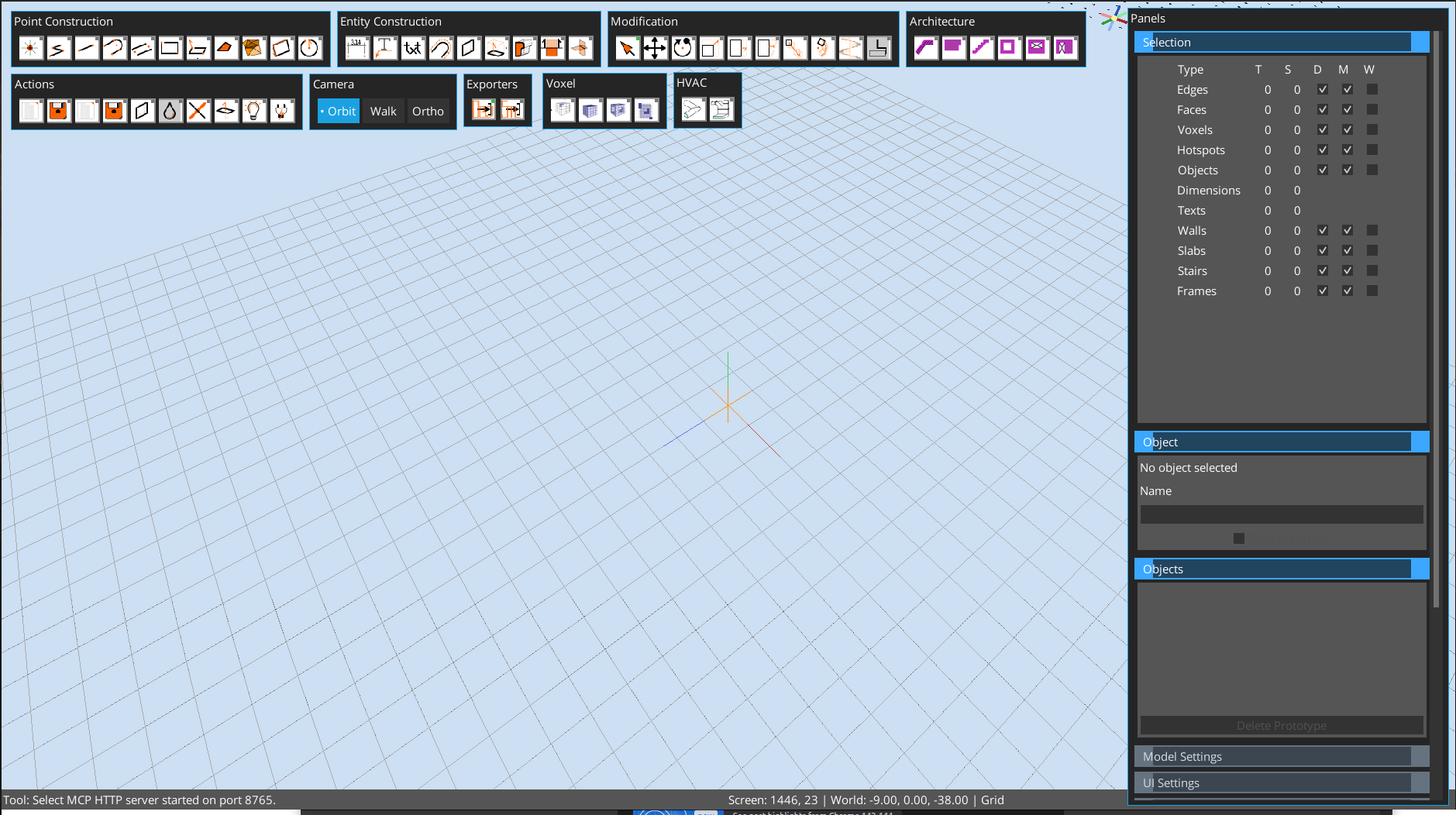
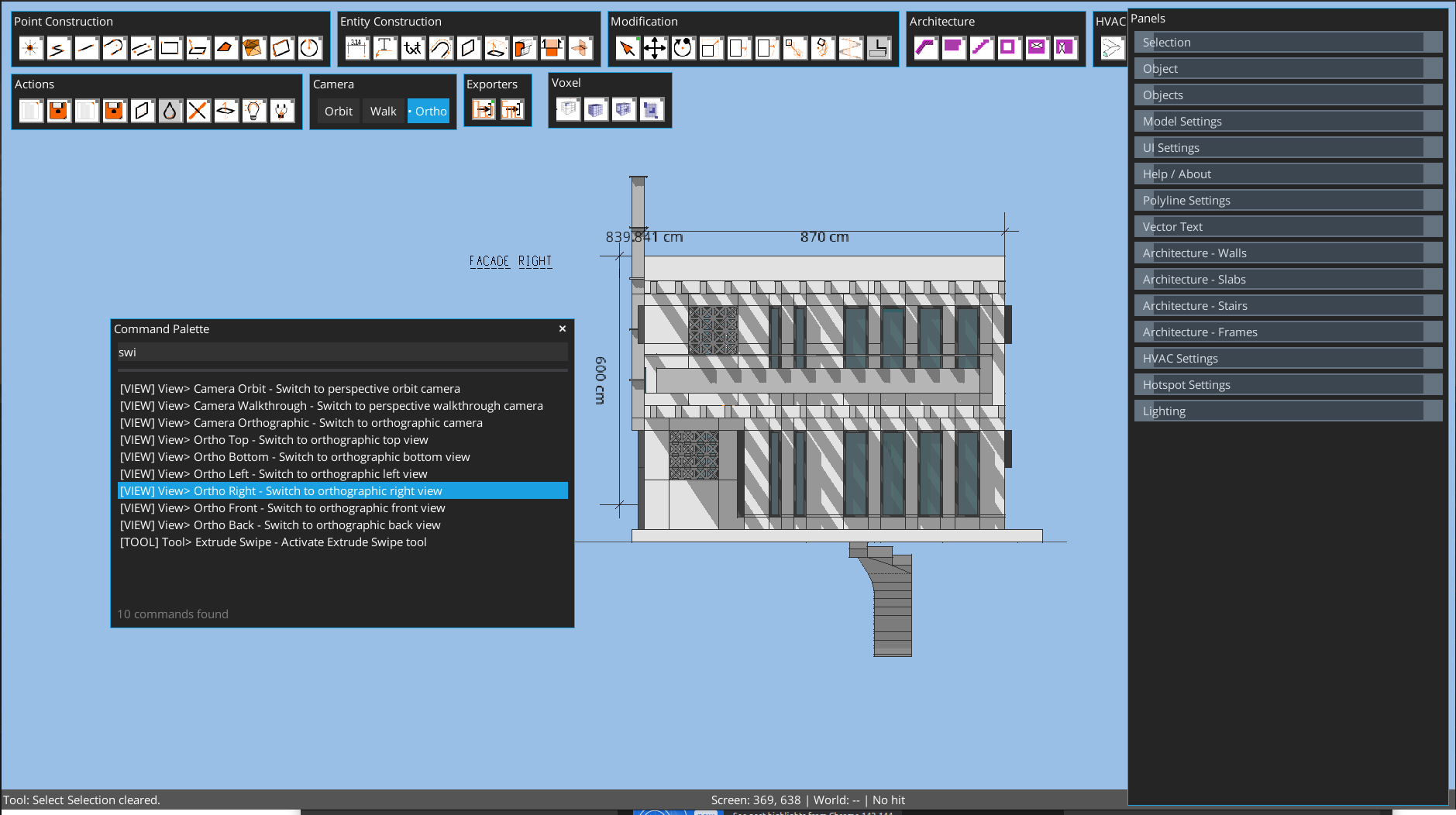
OctoDraw 3D is a fast, tool-driven 3D modeler for direct construction and editing.
100% private - your models stay on your computer storage.
Highly portable : android, windows,linux or mac desktops same file format.
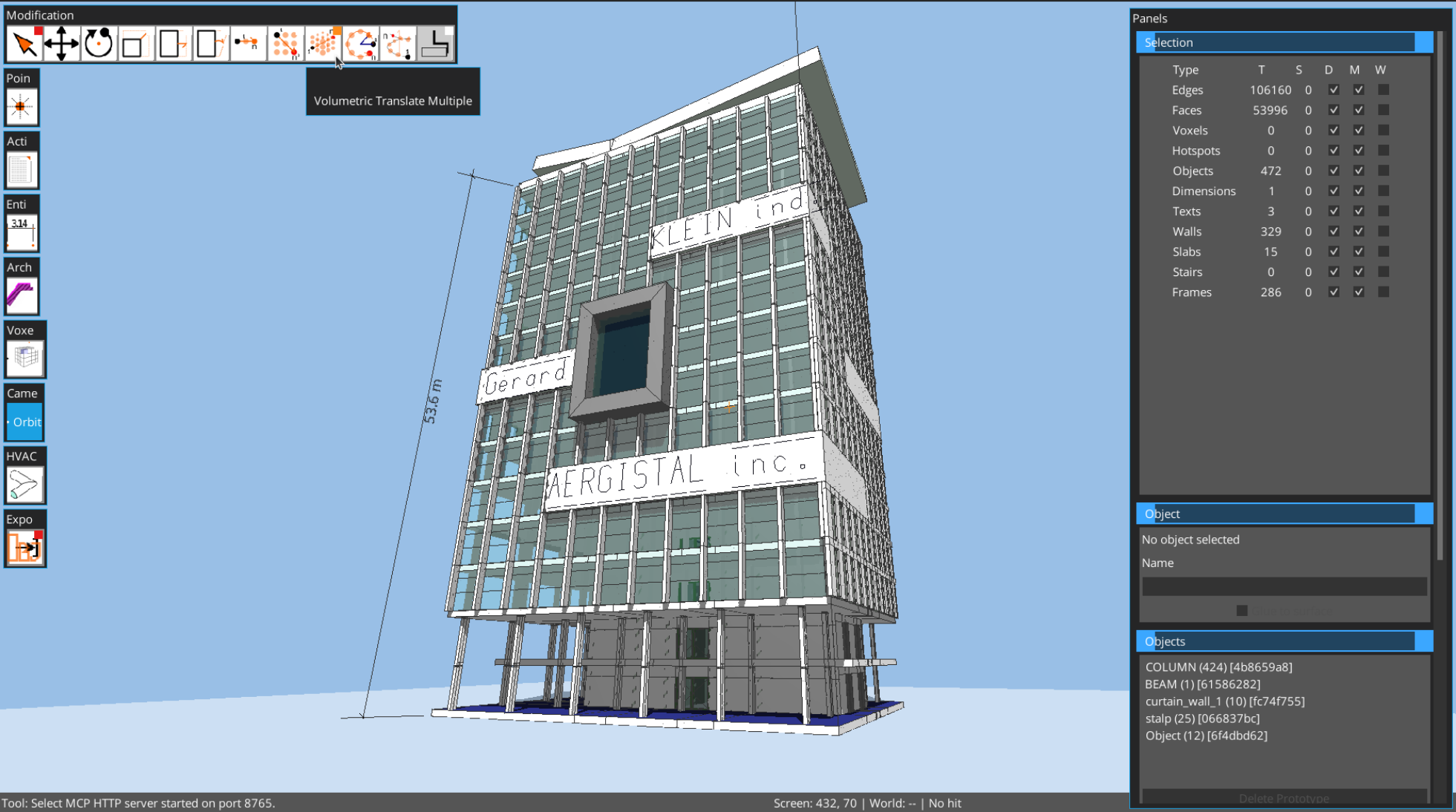
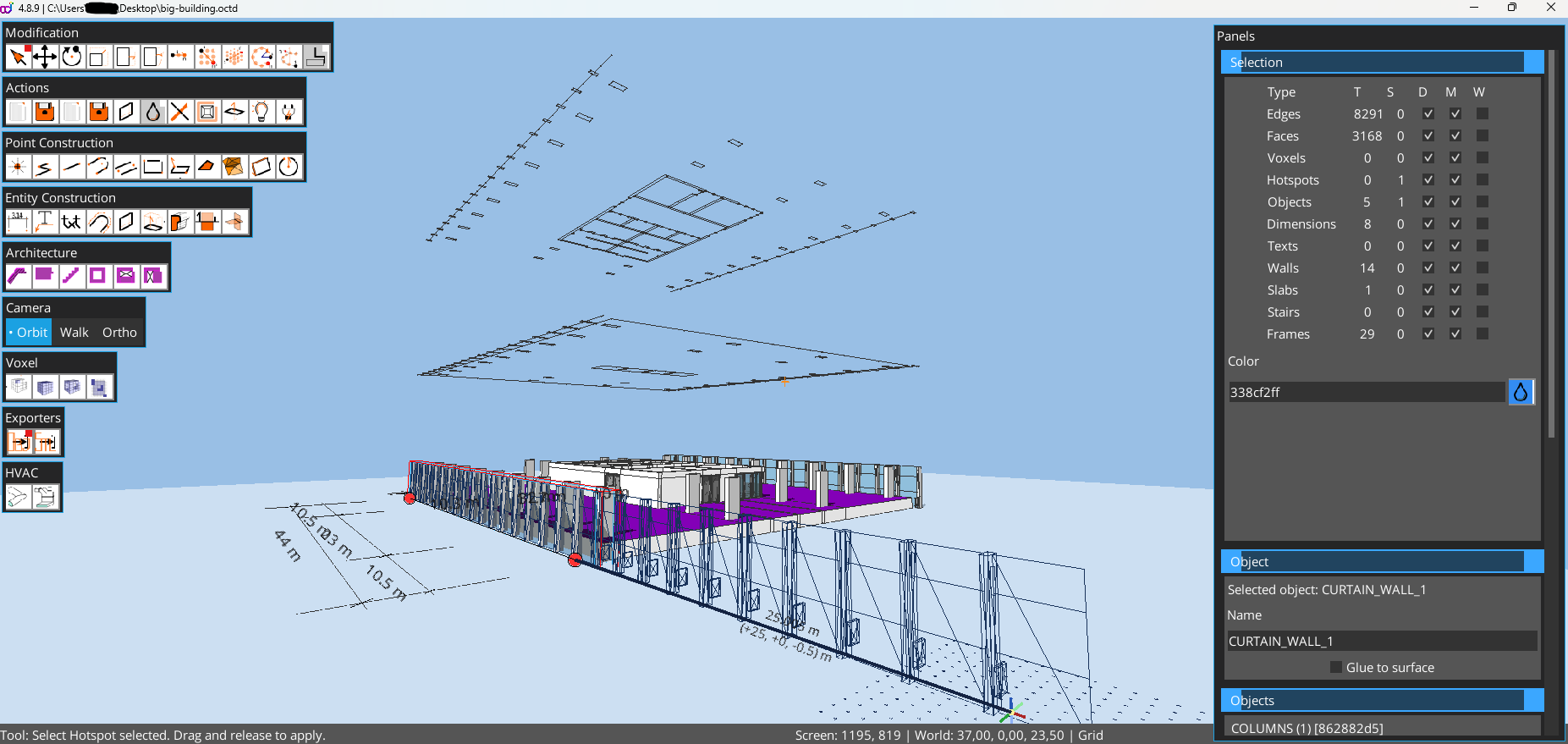
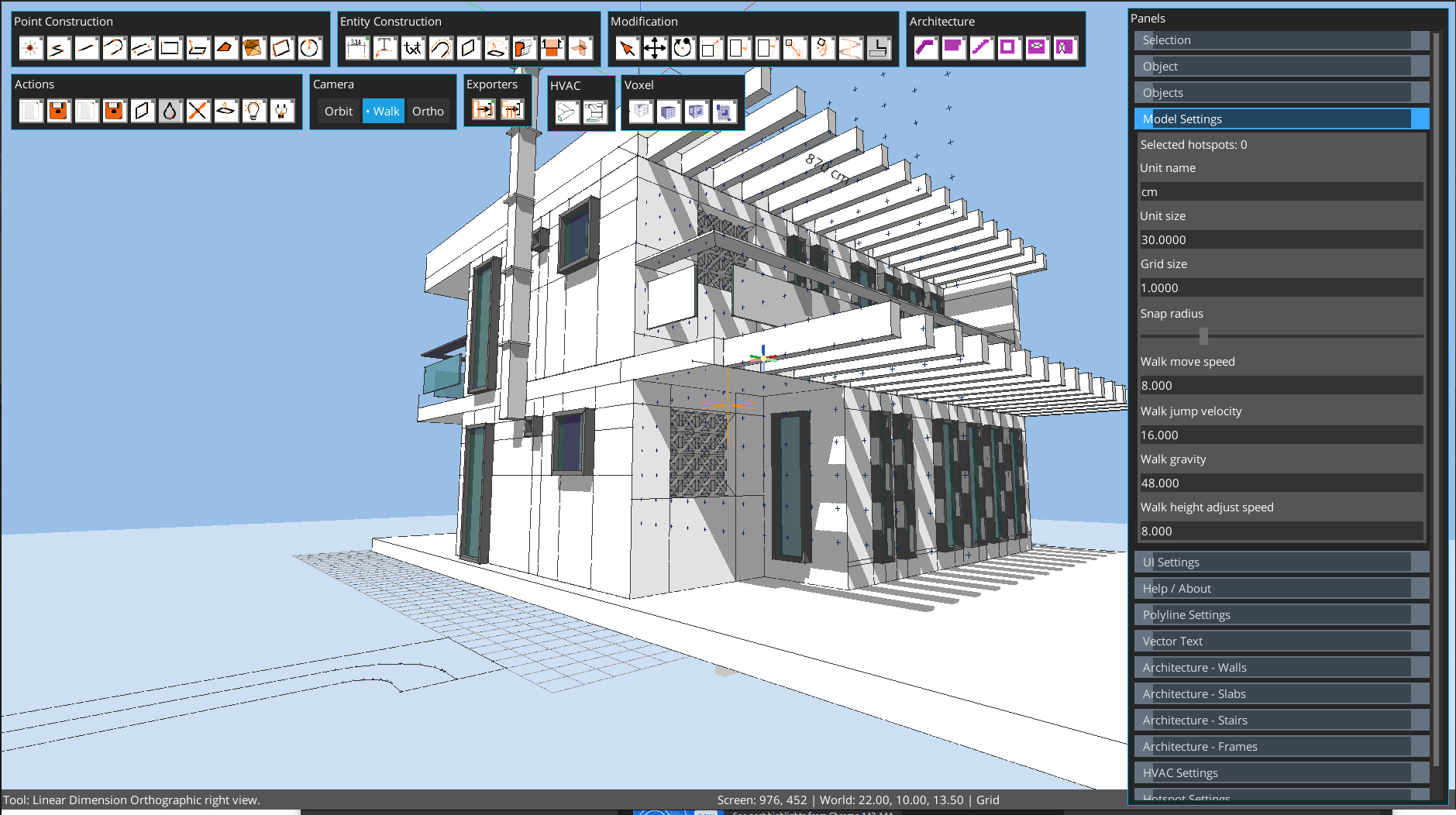
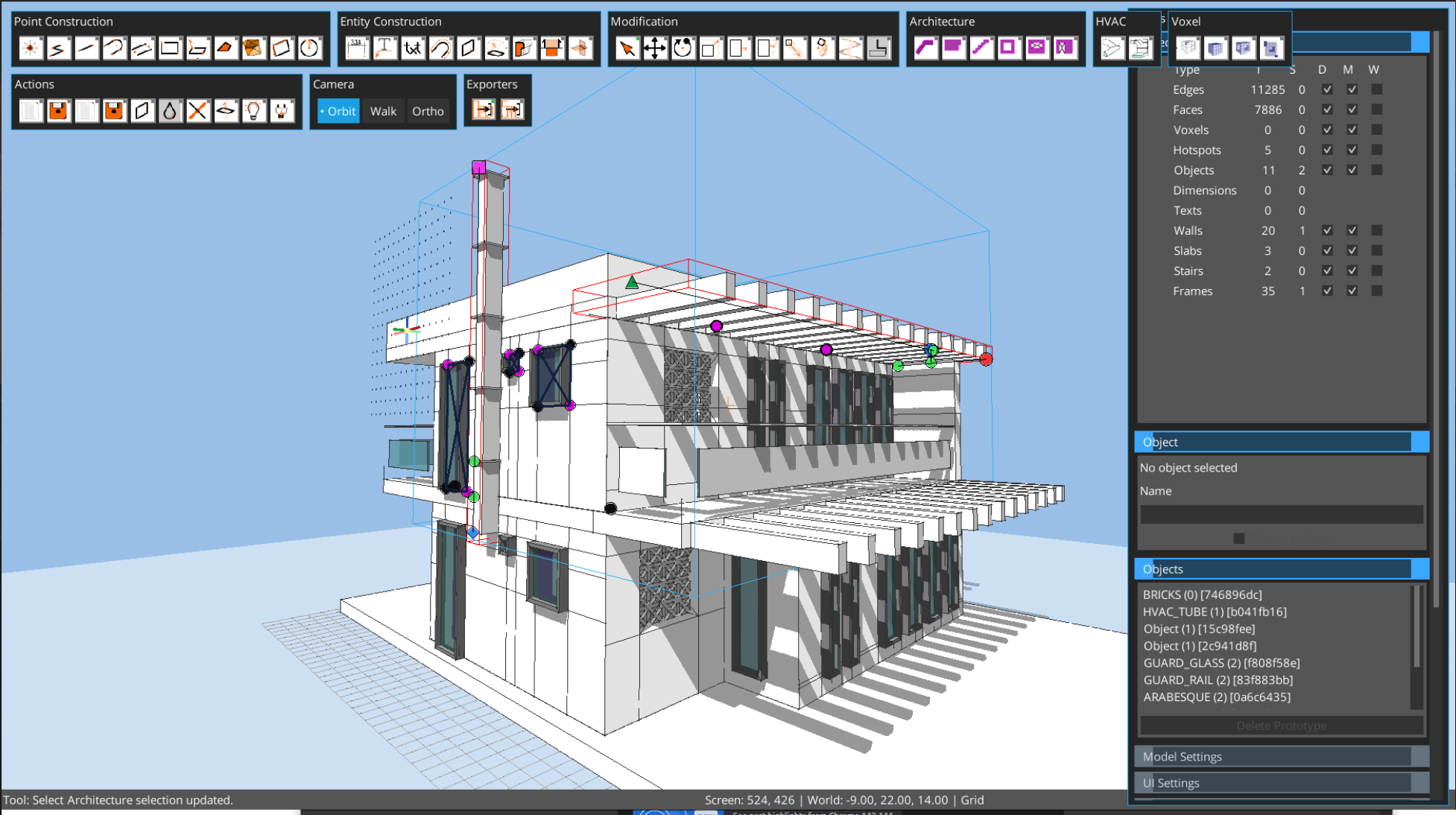
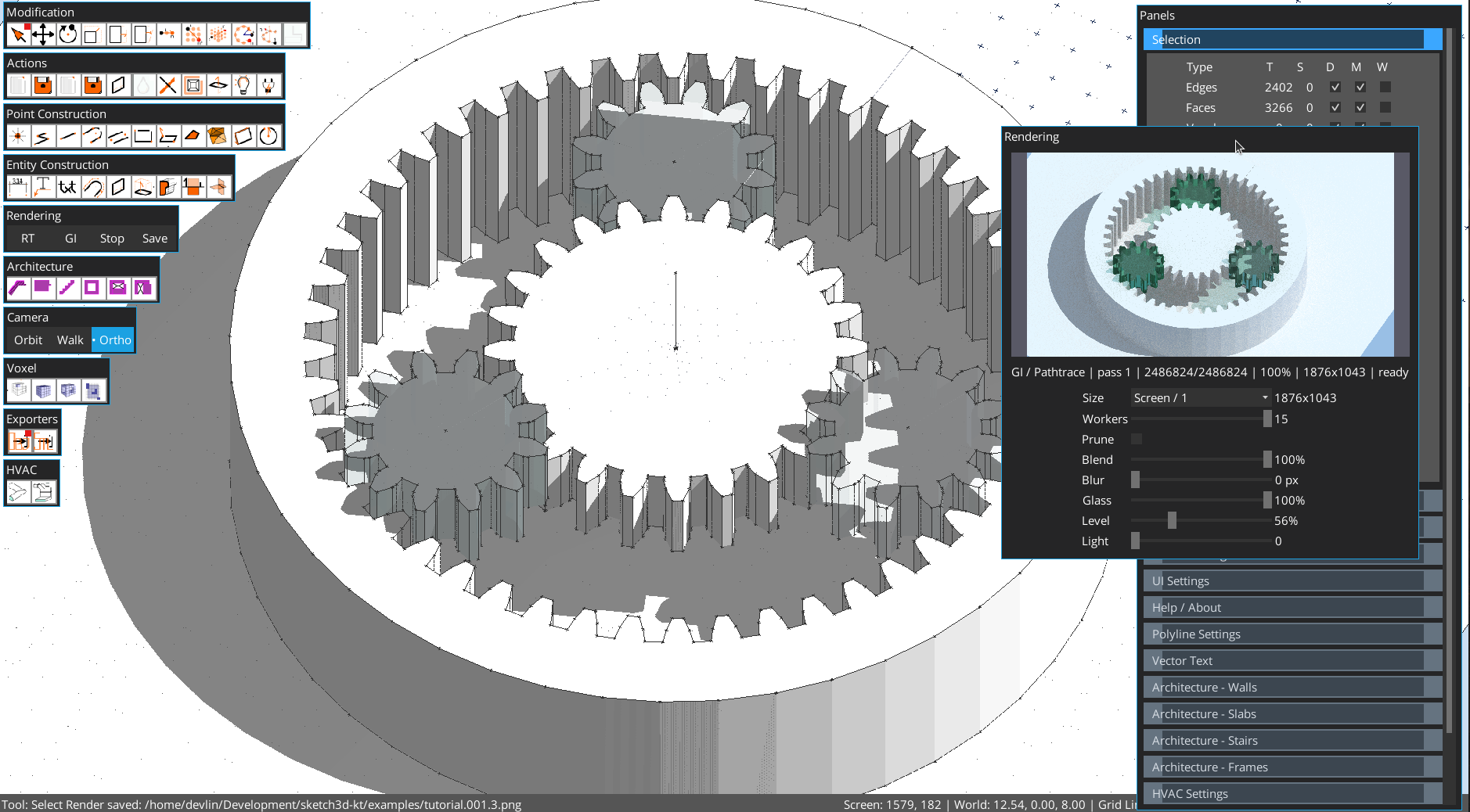
Sketch with lines and faces, use precise snapping, dimensions, and transform tools, then build higher-level elements like walls, slabs, stairs, frames, voxels, and HVAC runs.
Dynamic User defined Objects will help you implement many advanced features by yourself without programming knowledge.
Extensible through plugins you can adapt it to your workflow ( exporters, custom tools ).
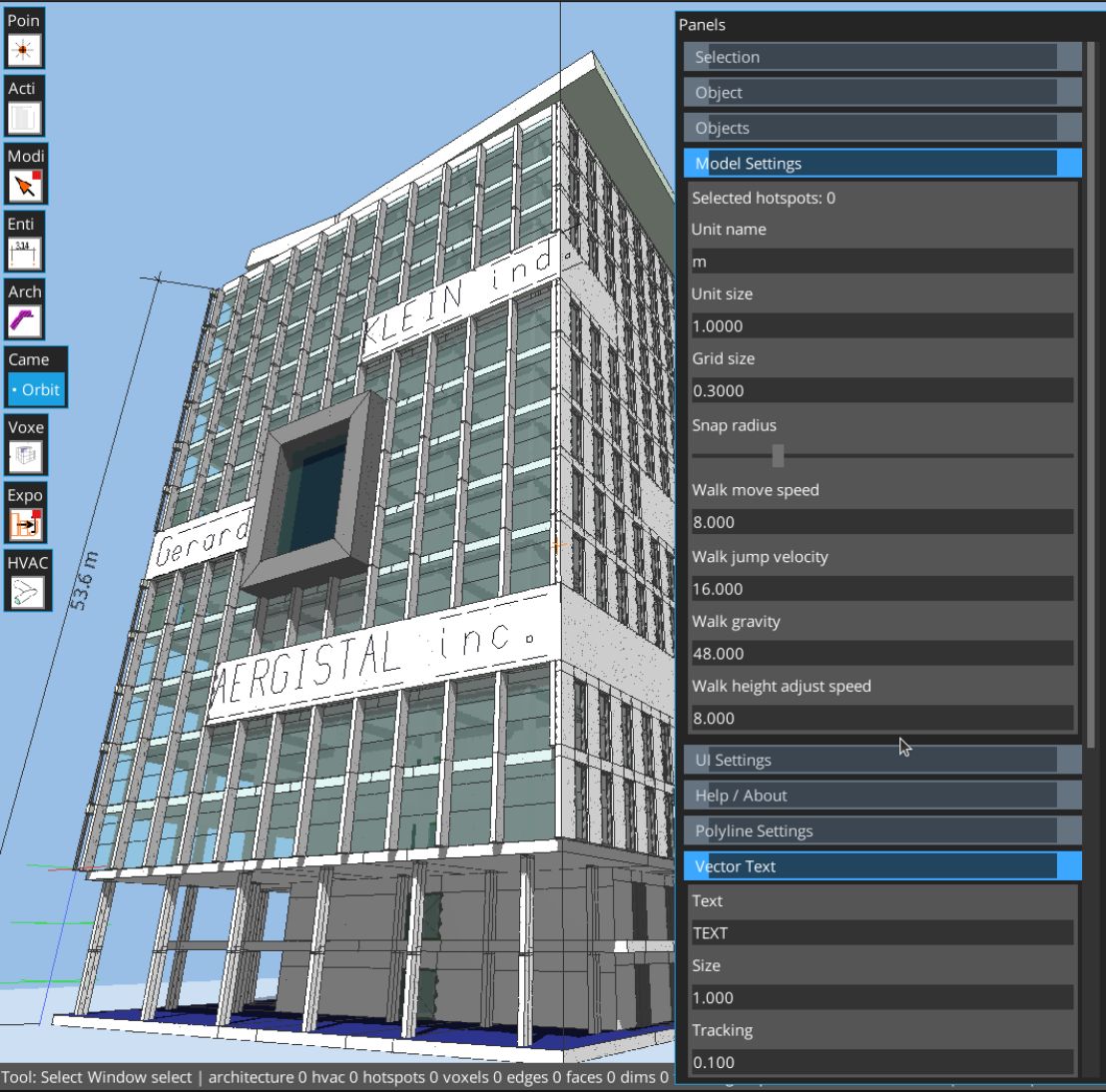
Includes vector text, object prototypes with hotspots, and practical import/export workflows. On Android, external mouse + keyboard are strongly recommended for best control.
at base being a java application it can be run on any OS java 21 will run.
Download
Install instructions
msi and msix installers can be used to install the app on windows systems after download ( windows 10 and 11 are supported ), msi might be supported on older windows ( unverified )
the jar file can be used from the command line running:
`java -jar octodraw-5.0.1-linux.jar edit --file <file_path>`
run `java -jar octodraw-5.0.1-linux.jar help` for more options
portable packages
octodraw-dist-5.0.1-win.zip
octodraw-dist-5.0.1-linux.tar.gz
octodraw-dist-5.0.1-mac.tar.gz
are supposed to be downloaded and unpacked in a convenient location, they contain the above mentioned jar and a convenience launcher that essentially does what the jar execution commands do, they also come with javm 21 temurin packed in the launcher uses that java distribution, you can opt out and use your own by edititng the launcher.
octodraw-dist-5.0.1-linux.AppImage can be run directly after download on linux systems
`./octodraw-dist-5.0.1-linux.AppImage edit --file <file_path>`
use `./octodraw-dist-5.0.1-linux.AppImage help` for more options
Note: you might need to `chmod +x octodraw-dist-5.0.1-linux.AppImage` before running it as the exec flag is not conservated on the downloaded artefacts.
Also available on


Comments
Log in with itch.io to leave a comment.
the app is available on snap store https://snapcraft.io/octodraw
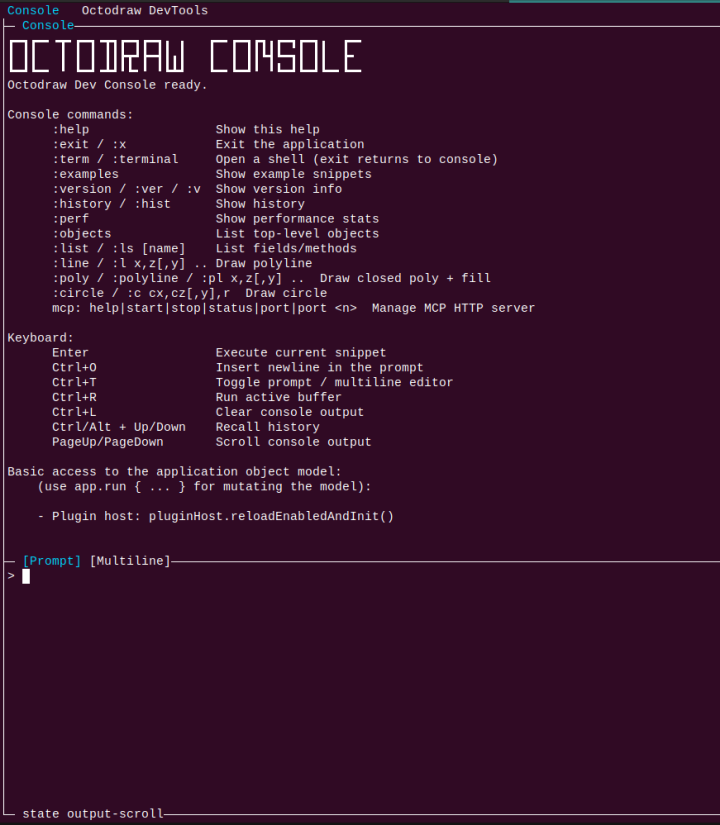
the app has also a dev console thats a bit similar with the chrome dev console, you can expore the model, launch commands, move the camera or draw geometry in a way that is reminescent of autocad ( there are some command aliases but at its root it is a groovy console that 'sees' the object model.
on Windows the console is a bit quirky : you need to press enter after launch if you want to see the TUI above.
the android app supports touch handling of the camera, the feature is quite new and still need to undergo more UX testing ( though as it is right now it is imo quite good ).
the documentation is really lagging albeit the basic tools and handling have not changed even though the UI structure is organised different.